Skip to content

The scaffolding is gone and the app is showing its first green graph. Your new solar system is working, but there are still a few practical jobs that will make ownership easier.
Use the first month to organise the handover, understand the controls, confirm export arrangements and establish a monitoring baseline. You do not need to watch the app all day. A few clear checks are more valuable than reacting to every passing cloud.
This guide is for households in Edinburgh, East Lothian and the surrounding area taking over a newly installed solar or solar-and-battery system.
Want advice for your home? Call 0131 210 0405 or send an enquiry to Renew-Able Solutions.
Days 1–3: organise your new solar system handover
Start with the final equipment list, commissioning information, electrical certification and relevant installation certificates. Keep the warranties, manuals and network connection records alongside them.
Ask for a clear explanation of normal operation, safe shutdown instructions and who to contact if a fault appears. You should know the purpose of labelled switches without needing to open electrical enclosures.
- Confirm panel, inverter and battery models match the agreed final scope.
- Keep serial numbers and any required registration confirmations.
- Record the installed capacity and any agreed export limit.
- Save the generation estimate and the assumptions behind it.
- Check that you have the intended homeowner access to the monitoring account.
For context on the wider installation process, see what to expect from a local solar installation.
Week 1: understand your new solar system app
Most monitoring screens distinguish solar generation, household consumption, grid import and grid export. Battery systems add charging, discharging and state of charge.
Ask which figures are measured and which are calculated. Also check whether the app shows live power in kW or energy over time in kWh. A 3 kW reading at lunchtime is not 3 kWh of generation for the whole day.
Look at one clear day and one cloudy day to learn the pattern. Do not compare a single day with the annual estimate divided by 365. Solar output is seasonal and weather-dependent.
Confirm export payment setup separately
Panels can generate and export before an export tariff is active. Contact the chosen supplier, provide the requested documentation and confirm the account and meter arrangements.
Keep a record of application dates and opening readings where requested. Ask when paid export starts and how you will see payments. Do not assume installation automatically enrols you.
Our Smart Export Guarantee guide explains the basics. Compare the full import-and-export arrangement rather than choosing an export rate in isolation.
Week 2: check battery settings against your priorities
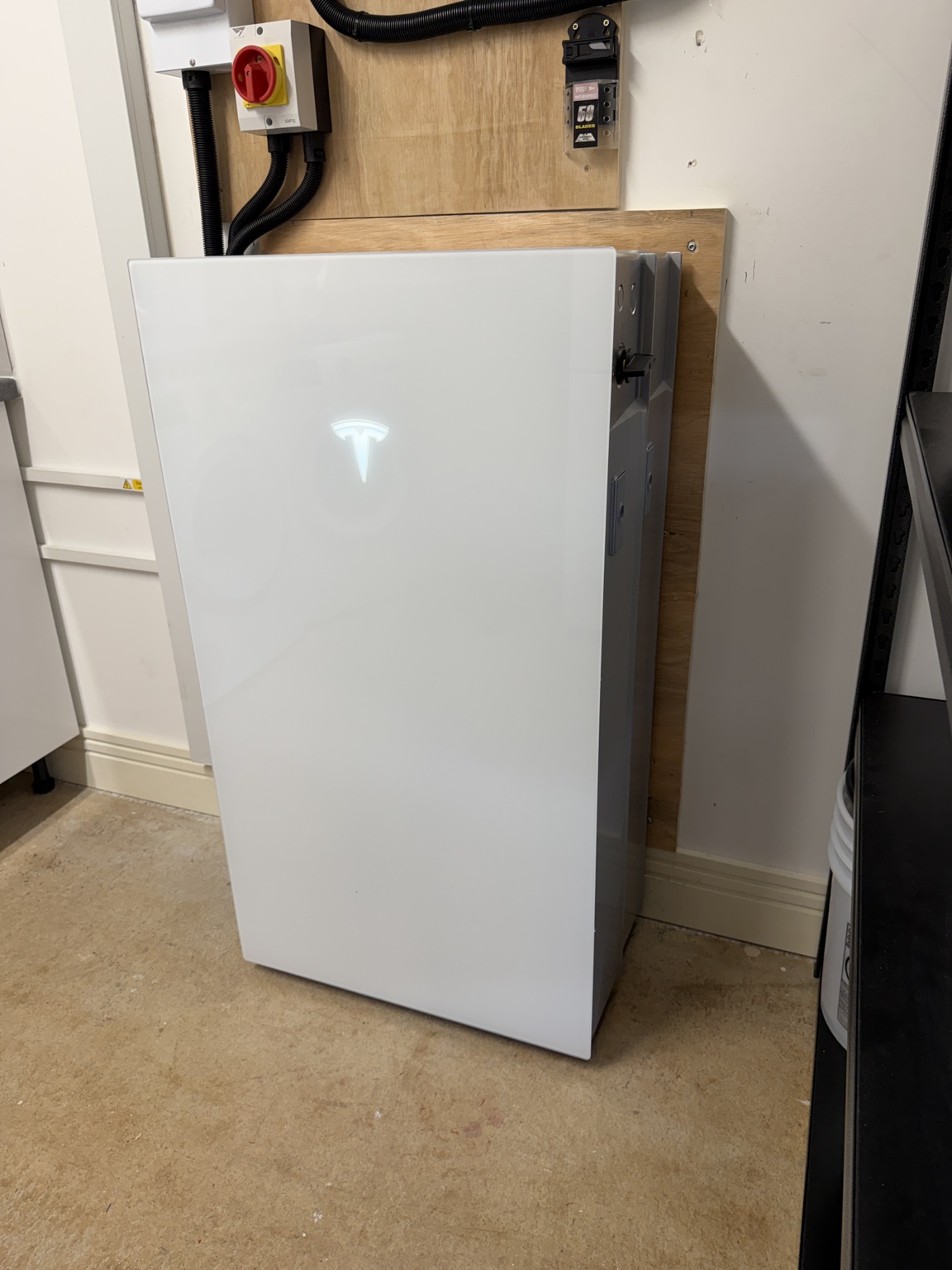
If you have storage, confirm whether the current schedule is intended for solar self-use, tariff charging, backup reserve or a combination. Those priorities can sometimes compete for the same capacity.
For example, charging fully from the grid overnight can leave less room for midday solar. Keeping a large backup reserve can reduce the energy available for normal bill savings. Neither choice is automatically wrong; it should reflect what you asked the system to do.
| Setting to understand | Question to ask |
|---|---|
| Charging schedule | Does it match the actual tariff hours? |
| Backup reserve | How much energy is kept for an outage? |
| Export controls | Do they match the agreed connection conditions? |
| Operating mode | What takes priority when solar surplus appears? |
Ask the installer which homeowner settings you may change. Leave protected network and safety settings to the responsible professional.
Week 3: build a useful baseline
Save a weekly summary of generation, import and export. Include battery flows if available. Note unusual events such as a holiday, an EV charging session or an equipment outage.
Compare trends over meaningful periods. A sudden drop may reflect weather, but a persistent unexplained change deserves a closer look. Record error messages and dates before restarting anything.
The Energy Saving Trust’s solar installation guidance provides broader ownership context. Our solar maintenance and monitoring guide explains ongoing care.
Week 4: review your new solar system
By now, you should have enough experience to identify what is unclear. Perhaps the battery empties earlier than expected, export payments are still pending or one app figure does not make sense.
Send a focused query with the date, equipment model and relevant readings. A clear example is easier to investigate than a general report that savings “look low”.
Do not treat the first month’s bill as a complete payback assessment. Season, tariff start dates and household use can make a short period unrepresentative.
Keep the checks safe and proportionate
You can review documents and app readings from ground level. Roof inspections, electrical testing and changes inside equipment belong with a qualified professional. Report damage, unusual smells or repeated faults promptly.
For connection terminology, our G98, G99 and G100 guide helps explain the records in your handover pack.
After the first month, a simple routine is usually enough: review trends, keep records and arrange appropriate servicing. The aim is a system you understand well enough to enjoy, without turning every sunny afternoon into an investigation.
Talk through your next step
Need help understanding your solar or battery setup? Tell us the equipment models and the question you want to resolve, and we can discuss the next step.
Explore our solar service, call 0131 210 0405 or submit an enquiry. Renew-Able Solutions serves Edinburgh, East Lothian and surrounding areas; tell us your postcode so we can confirm suitability and coverage.
Technical sources and examples checked on 3 October 2026. Illustrative figures are not quotations or guaranteed savings.